






















Convert multi-format files to A4 PDF & merge
English좋아요 0개다운로드 41회댓글 0개
설치하기
- Filee를 열고 프리셋 화면으로 가세요.
- 프리셋 갤러리를 누르고 “Convert multi-format files to A4 PDF & merge” 프리셋을 찾으세요.
- 설치를 누르세요. 내 프리셋 옆에 새로 추가되고, 내 프리셋을 바꾸지 않아요.
또는 파일을 받아 Filee 설정의 일반 → 가져오기…에서 추가할 수 있어요.
SHA-256 89a95657e3526f021a025ece081f240a7da3416799908bcd2e73bb4fc7b9728e
Filee 2.5.0 이상이 필요해요.
이 프리셋은
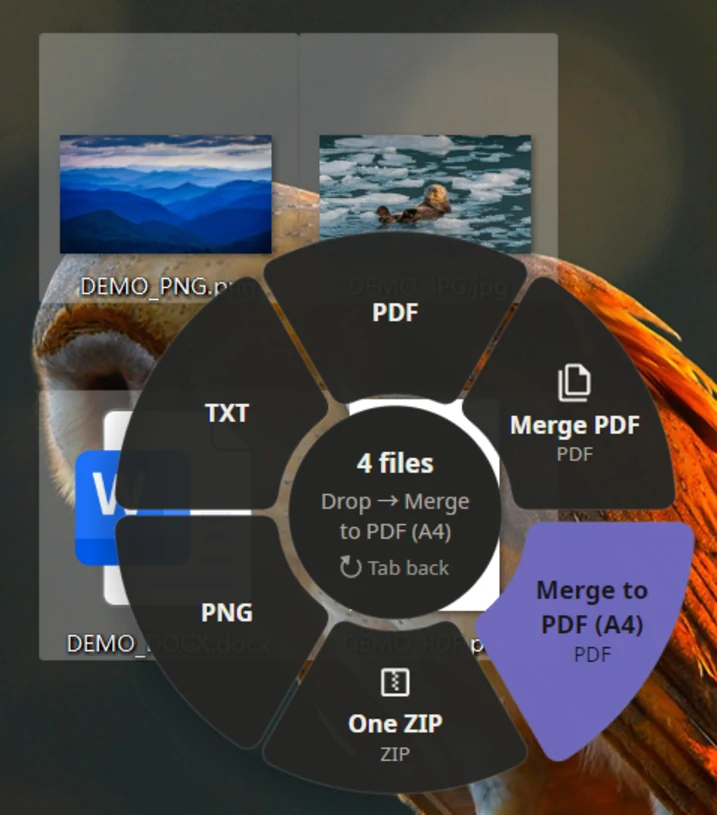
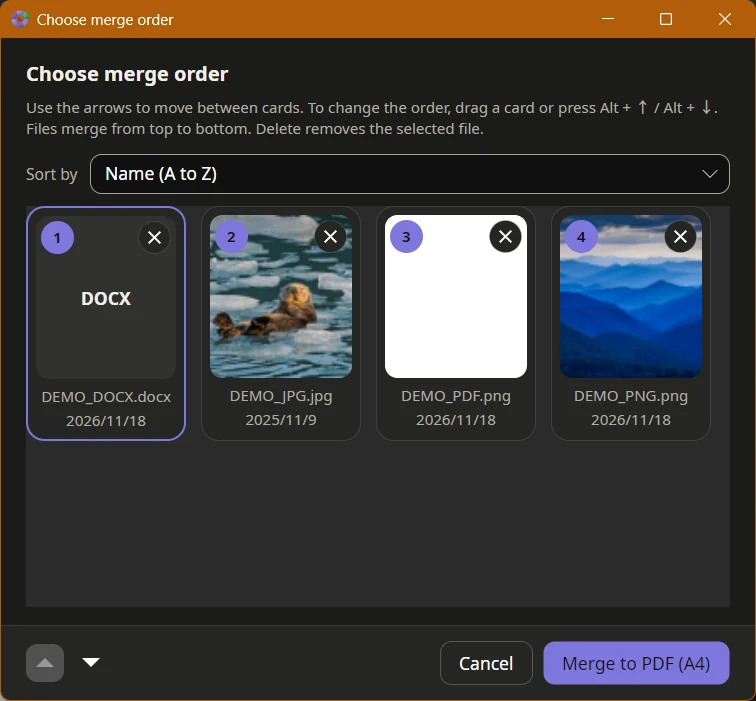
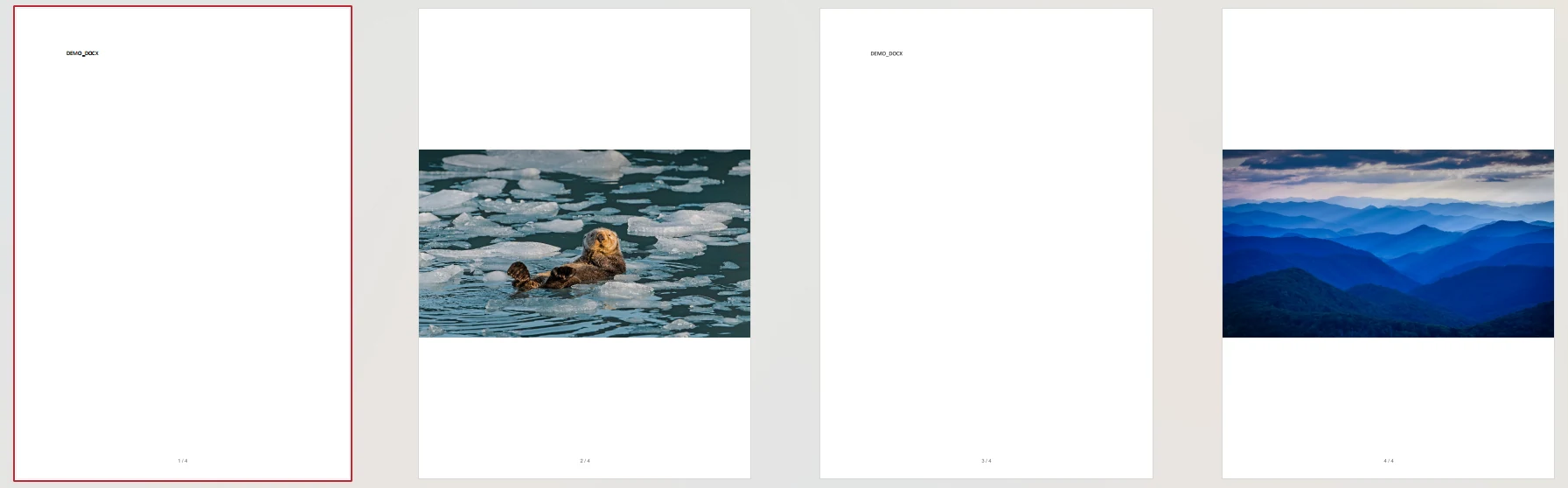
Supports converting multi‑format files to PDF and merging them. Files are sorted by filename initially and can be reordered manually. Pages are numbered at the bottom, scaled to fit A4, with orientation auto‑adjusted from the first page. The merged PDF saves to the source folder as {name}_merged_{date} using the first file’s base name. No OCR for better conversion performance. Add manually via Settings → Donut toolbar; recommended for Mixed files, Images, PDF and Documents profiles.
결과 PDF
하는 일
| 프리셋 | 종류 | 결과 형식 | 주요 옵션 |
|---|---|---|---|
| Merge to PDF (A4) | 변환 | PDF 하나로 합치기 · 쪽 번호 넣기 |
지금 바로 시작하세요
설치하면 대부분의 형식을 바로 변환해요.
동영상·오디오나 드문 형식용 엔진은 필요할 때 앱에서 받아요.
filee 명령이 필요하신가요? 패키지를 내려받아 install.sh를 실행하세요.

또는 WinGet으로
macOS는 미리보기 버전이에요. Linux는 Ubuntu 22.04 이상이 필요하고, 드래그 제스처는 X11에서 작동해요(KDE Plasma의 Wayland에서는 실험 기능).
macOS 13 이상이 필요해요. Filee는 아직 공증되지 않았어요. 디스크 이미지를 열고 Filee를 응용 프로그램으로 끌어다 놓으세요. macOS가 처음 실행을 막으면 시스템 설정 > 개인정보 보호 및 보안에서 '그래도 열기'를 선택하세요.
Filee는 앞으로도 무료예요. 개발 응원하기