






















Convert multi-format files to A4 PDF & merge
English0 个赞41 次下载0 条评论
安装
- 打开 Filee,进入预设。
- 点击预设广场,找到“Convert multi-format files to A4 PDF & merge”。
- 点击安装。这些预设会添加到你自己的预设旁边,绝不会替换它们。
也可以下载文件,在 Filee 设置的常规 → 导入…中添加。
SHA-256 89a95657e3526f021a025ece081f240a7da3416799908bcd2e73bb4fc7b9728e
需要 Filee 2.5.0 或更高版本。
关于此预设
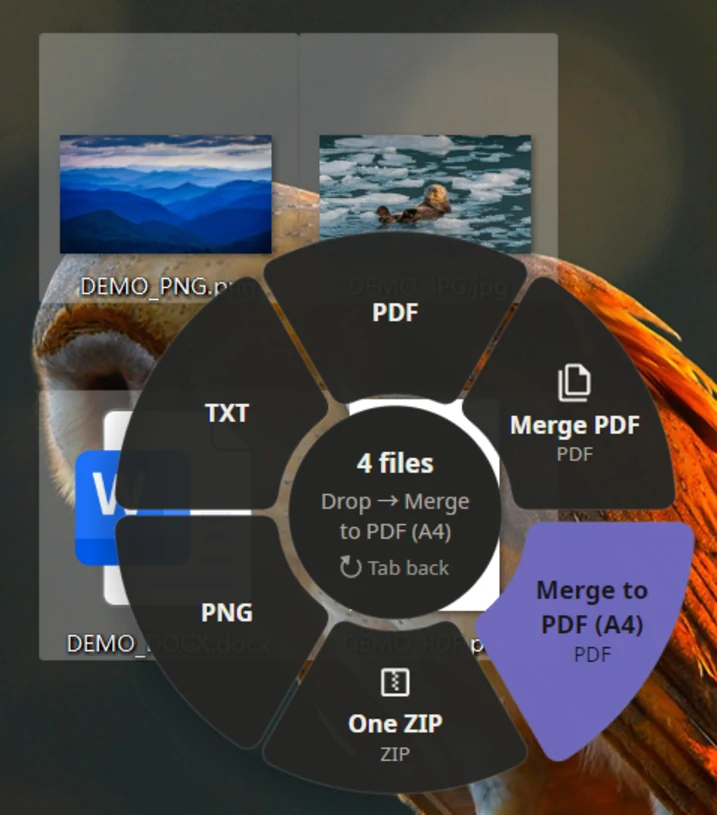
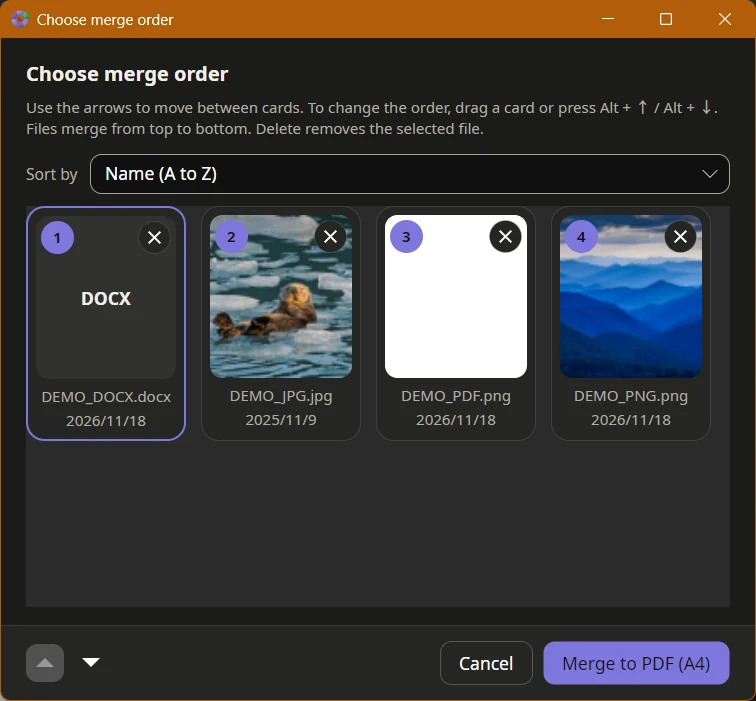
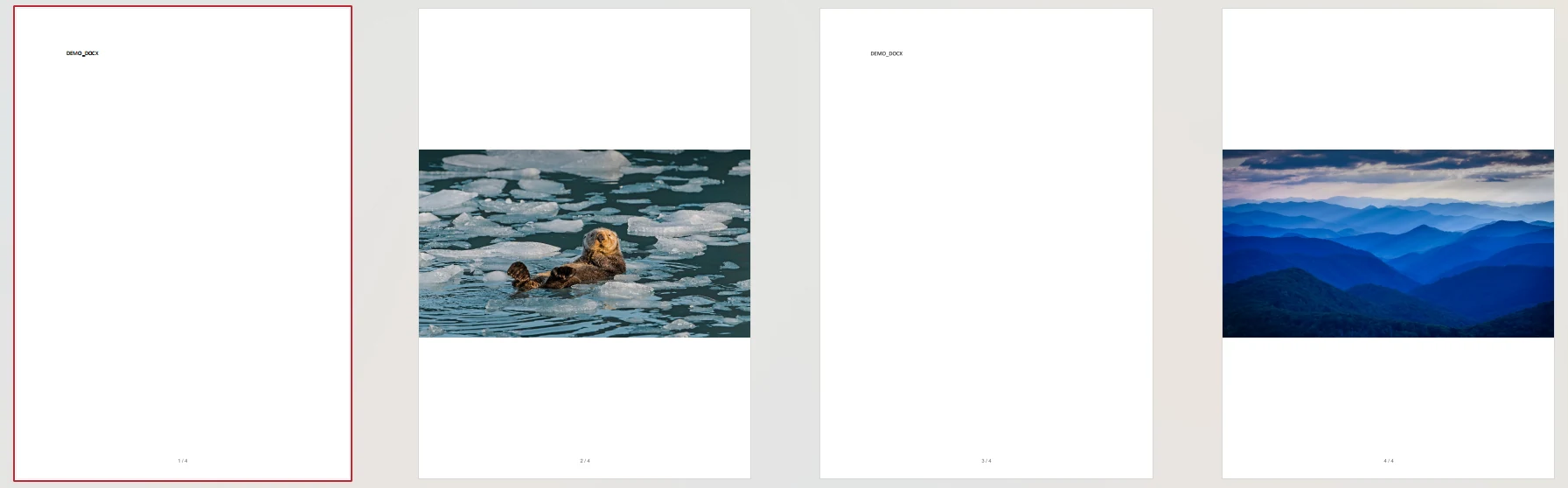
Supports converting multi‑format files to PDF and merging them. Files are sorted by filename initially and can be reordered manually. Pages are numbered at the bottom, scaled to fit A4, with orientation auto‑adjusted from the first page. The merged PDF saves to the source folder as {name}_merged_{date} using the first file’s base name. No OCR for better conversion performance. Add manually via Settings → Donut toolbar; recommended for Mixed files, Images, PDF and Documents profiles.
输出 PDF
功能
| 预设 | 类型 | 输出 | 主要选项 |
|---|---|---|---|
| Merge to PDF (A4) | 转换 | 合并为一个 PDF · 添加页码 |
下载 Filee
大多数格式装好即用。
视频、音频和少见格式所需的引擎,可在需要时在应用内下载。
需要 filee 命令?下载软件包后运行 install.sh。

或使用 WinGet
macOS 为预览版。Linux 需要 Ubuntu 22.04 或更高版本;拖动手势需要 X11(在 KDE Plasma 的 Wayland 下为实验性功能)。
需要 macOS 13 或更高版本。Filee 尚未通过公证:打开磁盘映像并将 Filee 拖到“应用程序”。如果 macOS 阻止首次启动,请在“系统设置”>“隐私与安全性”中选择“仍要打开”。
Filee 免费,并将一直免费。 赞助开发