






















Convert multi-format files to A4 PDF & merge
0 likes41 downloads0 comments
Install it
- Open Filee and go to Presets.
- Click Preset gallery and find “Convert multi-format files to A4 PDF & merge”.
- Click Install. The presets are added next to your own and never replace them.
Or download the file, then open General in Filee's settings and click Import…
SHA-256 89a95657e3526f021a025ece081f240a7da3416799908bcd2e73bb4fc7b9728e
Needs Filee 2.5.0 or later.
About this preset
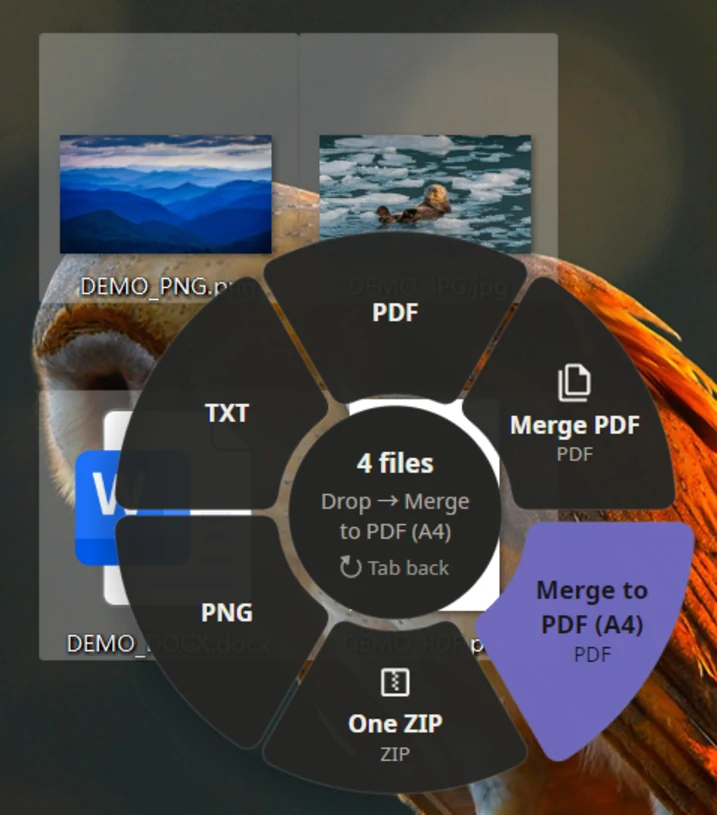
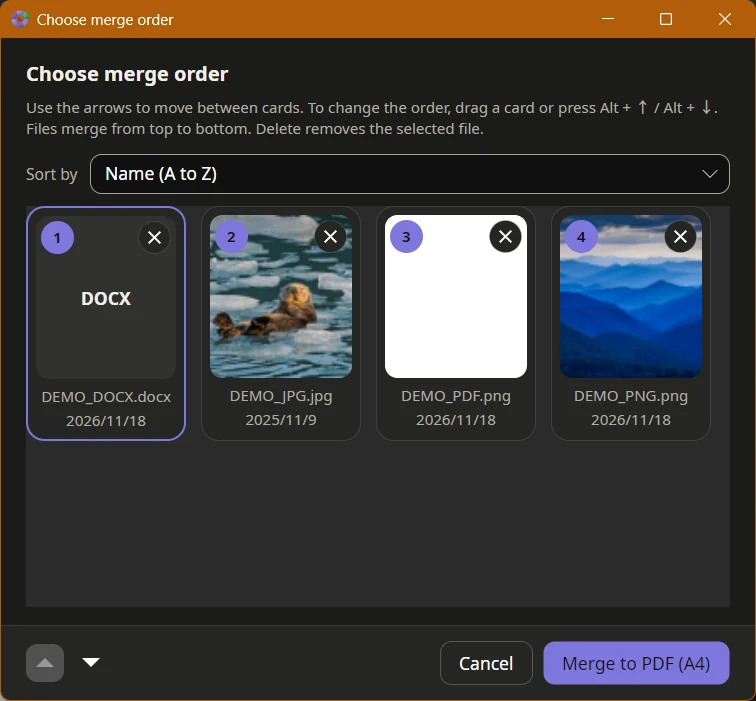
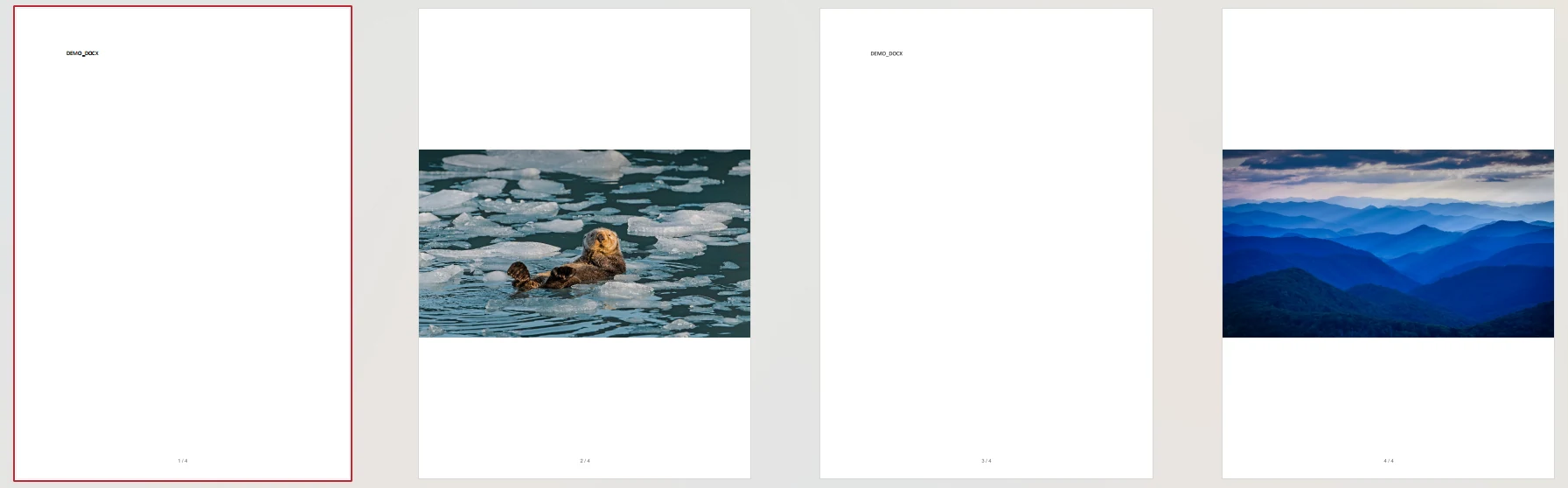
Supports converting multi‑format files to PDF and merging them. Files are sorted by filename initially and can be reordered manually. Pages are numbered at the bottom, scaled to fit A4, with orientation auto‑adjusted from the first page. The merged PDF saves to the source folder as {name}_merged_{date} using the first file’s base name. No OCR for better conversion performance. Add manually via Settings → Donut toolbar; recommended for Mixed files, Images, PDF and Documents profiles.
Makes PDF
What it does
| Preset | Kind | Makes | Main options |
|---|---|---|---|
| Merge to PDF (A4) | Conversion | Merges into one PDF · Adds page numbers |
NotColeAnywhere shared this preset and its pictures under CC0 1.0: anyone may use, change and share them, without conditions. About CC0
Something wrong with this preset? Tell us in its comments, or ask for its removal.
Download Filee
Most formats convert right after installing.
Engines for video, audio and rare formats are added in the app when you need them.
Need the filee command? Download the package and run install.sh.

Or with WinGet
macOS is a preview. Linux needs Ubuntu 22.04 or later; drag gestures need X11 (experimental on KDE Plasma with Wayland).
macOS 13 or later. Filee is not notarized yet: open the disk image and drag Filee to Applications. If macOS blocks the first start, choose Open Anyway in System Settings > Privacy & Security.
Filee is free and stays free. Sponsor its development