Free & open source · Windows 10/11
Drag. Drop. Converted.
Hold Ctrl and drag any file. A donut of formats opens right at your cursor — drop the file on one and the converted copy appears next to the original. No upload, no windows to click through.
Windows 10/11 · 64-bit · Free
Converted files
- Your converted files show up here
Ctrl+Drag a file onto the stage
With a keyboard: focus a file, press Enter, choose with the arrow keys, Enter to convert.
See it in 27 seconds
Single images, batches of documents, HWP without Hancom Office — all with one gesture.
One gesture. Three steps.
- 1
Hold Ctrl and drag
Drag files from Explorer or the desktop as you always do, with Ctrl (or any modifier you choose) held down.
- 2
Drop on a format
The donut opens at your cursor with the formats that make sense for those files. Hover one, let go.
- 3
Done, next to the original
A progress ring counts up, a check mark appears, and the new file sits right beside the source.
Everything a converter should do. Nothing it shouldn't.
A donut at your cursor
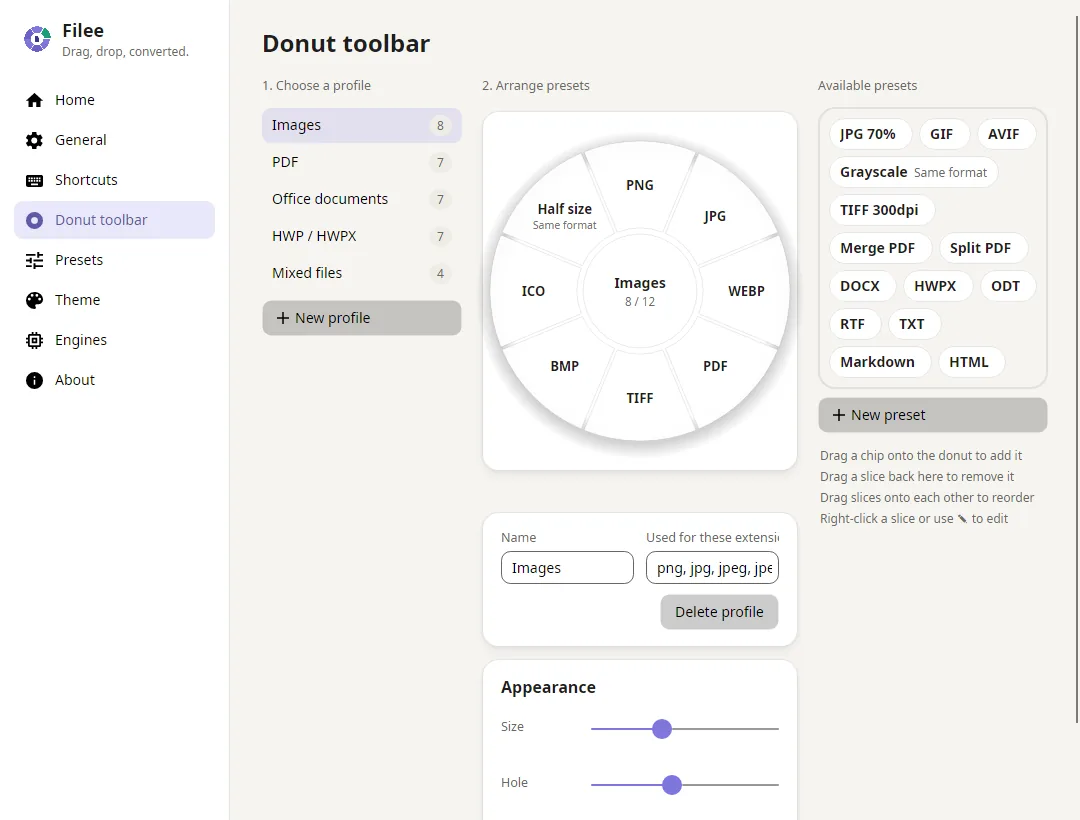
No app window in the way: formats appear where you already are. Any modifier key, mouse button, hold gesture or keyboard shortcut can open it.
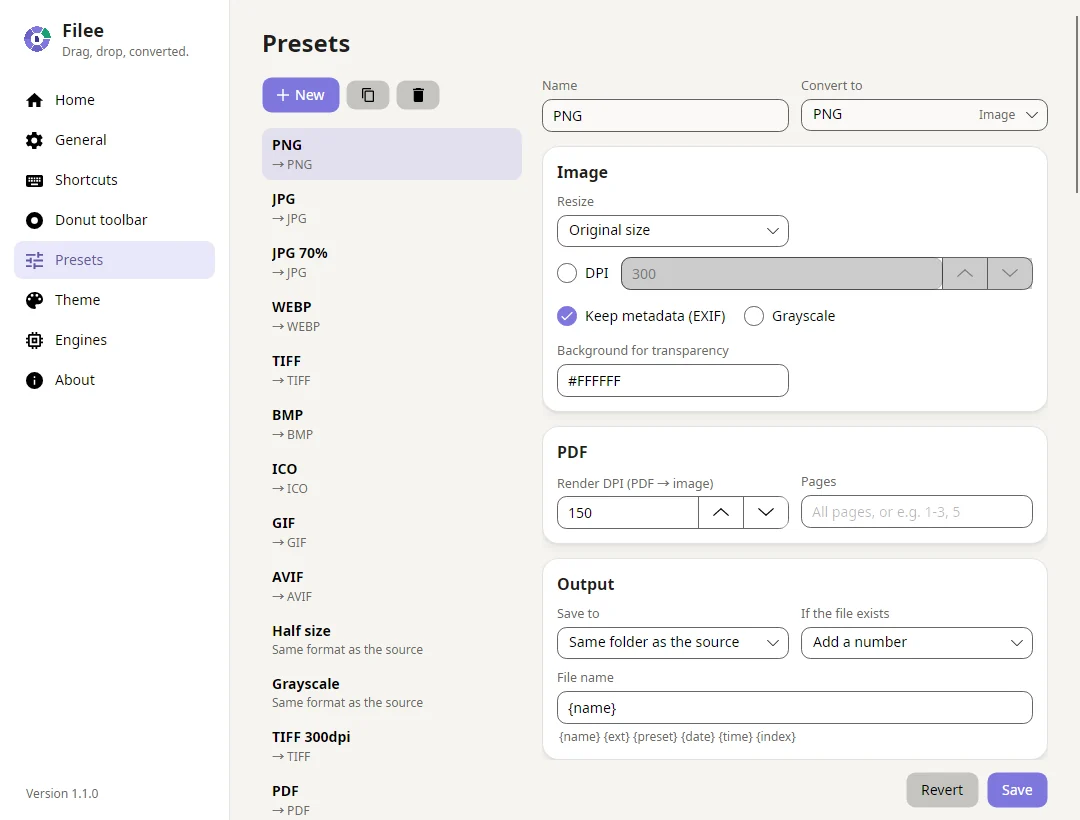
Presets per file type
Quality, resizing, DPI, metadata, TIFF compression, ICO sizes, PDF merge and split, page ranges, output folder and file names.
HWP & HWPX without Hancom Office
Built-in HWPX writer keeps page setup, headers, footers, tables and text boxes when converting DOCX. HWP ↔ HWPX with rhwp.
Batch conversion
Drop 1 file or 100. Every file is converted in parallel and a failure never stops the rest.
100% on your PC
Nothing is uploaded. Filee works offline and never sends your documents anywhere.
Four ways in
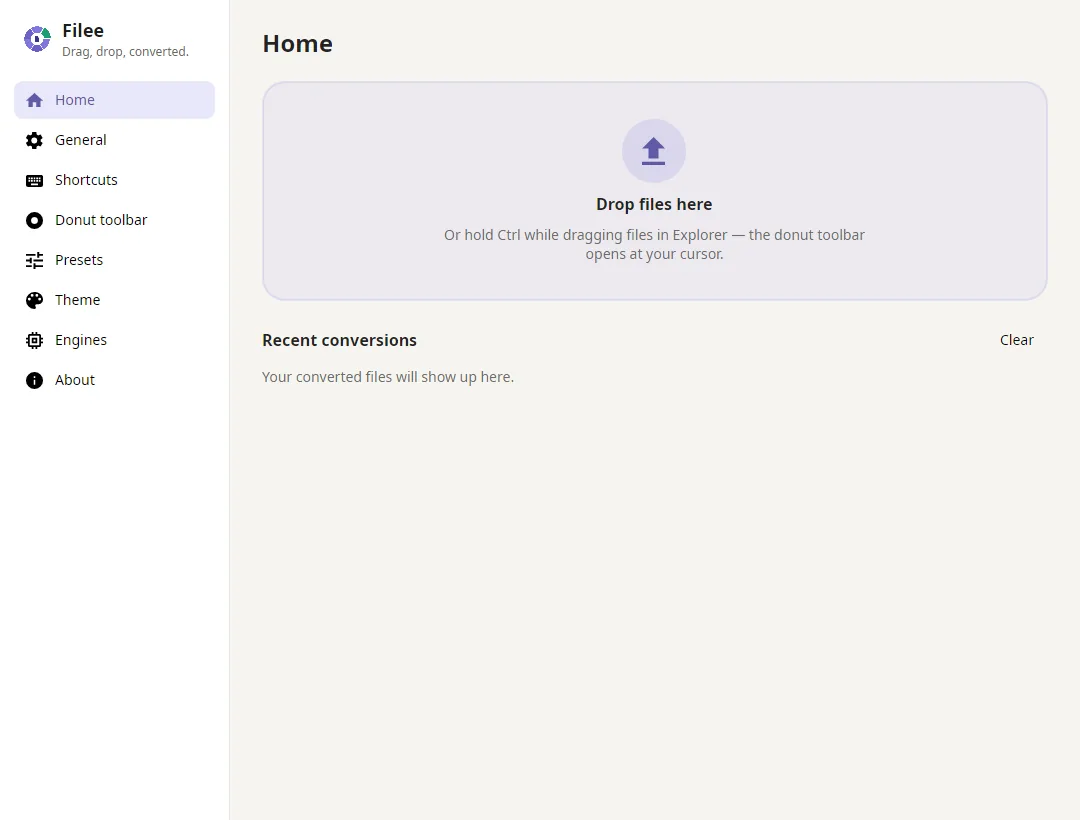
Drag gesture, Explorer right-click and Send To, a shortcut on the selected files, or the drop zone in the main window.
Soft, customizable UI
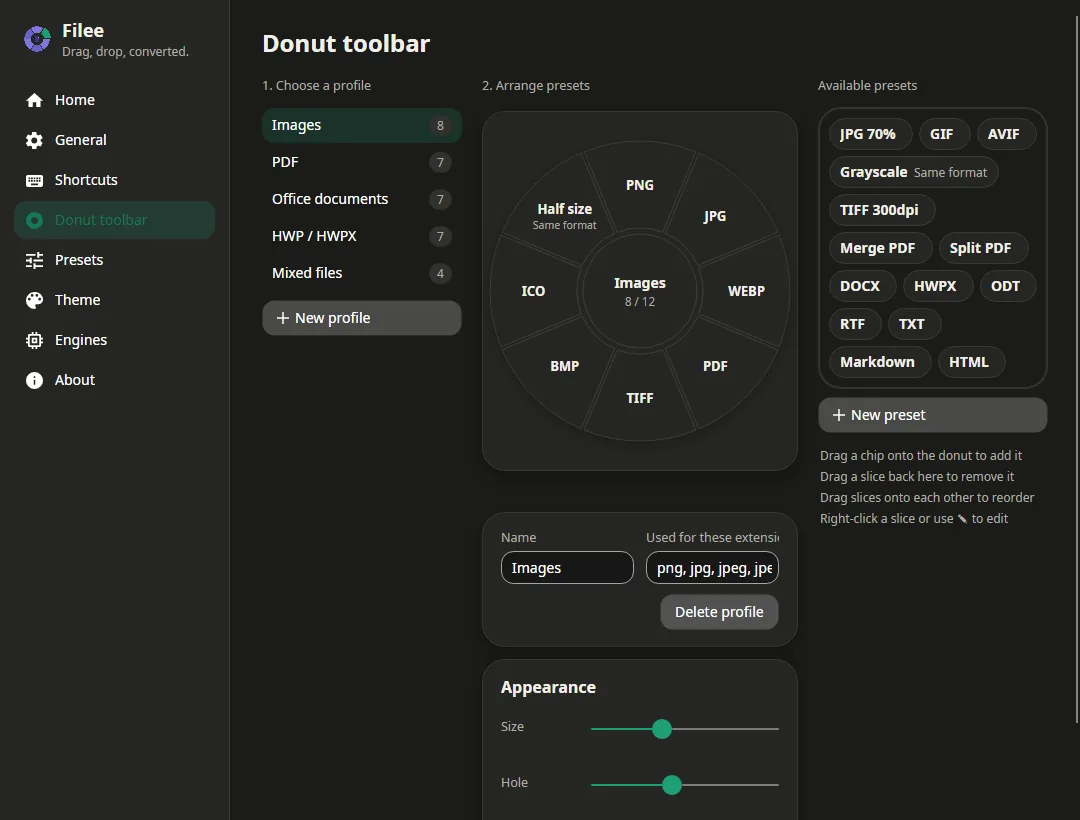
Light, dark or system theme, your accent colour, adjustable roundness and a Reduce animations switch for older PCs.
English, 한국어, 简体中文
The whole app is translated and follows your Windows language by default.
Open source, MIT
Small installer, optional engines downloaded only when you want them, automatic updates from GitHub Releases.
26 formats, planned routes
Filee finds the best path between formats automatically — for example HWPX → PDF → PNG — using the engine that does each step best.
| Images | JPG, PNG, WEBP, TIFF, BMP, GIF, ICO, AVIF, HEIC (read) | any image format, PDF | |
|---|---|---|---|
| PNG, JPG, TIFF, merge, split, page ranges | |||
| Documents | DOCX, DOC, ODT, RTF | PDF, HWPX, each other, TXT, HTML | |
| HWP | HWP, HWPX | PDF, HWPX ↔ HWP, DOCX, TXT, Markdown, HTML | |
| Spreadsheets & slides | XLSX, XLS, ODS, CSV, PPTX, PPT, ODP | PDF and each other | |
| Text | TXT, Markdown, HTML | DOCX, HWPX, PDF |
Office documents and Markdown use optional engines (LibreOffice, Pandoc) that Filee offers to download on first start.
For HWP users
The HWP converter that doesn't need Hancom Office
Hancom Office asks for approval every time another program opens a file. Filee writes HWPX itself and converts HWP ↔ HWPX with rhwp, so there is no dialog and no Hancom license needed.
- DOCX → HWPX keeps page size, margins, headers and footers with page numbers
- Tables with merged cells, borders and shading; text boxes, shapes and pictures
- HWP → HWPX and HWPX → HWP, HWP/HWPX → PDF and PNG
- Checked with three independent HWPX readers
Make the donut yours
Arrange formats on a live donut by drag & drop, one toolbar per file type.
At a glance
- Price
- Free
- License
- MIT (open source)
- Platform
- Windows 10 and 11, 64-bit (macOS planned)
- Works offline
- Yes — files never leave your PC
- Formats
- 26, including HWP and HWPX
- Languages
- English, Korean, Simplified Chinese
- Updates
- Automatic, from GitHub Releases
Ready when you are
The installer is small. Images, PDF, HWP/HWPX and DOCX → HWPX work right away; LibreOffice (~420 MB) and Pandoc (~42 MB) are offered on first start for office documents and Markdown.
Download for Windows