






















Convert multi-format files to A4 PDF & merge
English0 個讚41 次下載0 則留言
安裝
- 開啟 Filee,前往預設。
- 按一下預設廣場,找到「Convert multi-format files to A4 PDF & merge」。
- 按一下安裝。這些預設會加在你自己的預設旁邊,絕不會取代它們。
也可以下載檔案,在 Filee 設定的一般 → 匯入…中加入。
SHA-256 89a95657e3526f021a025ece081f240a7da3416799908bcd2e73bb4fc7b9728e
需要 Filee 2.5.0 或更新版本。
關於這個預設
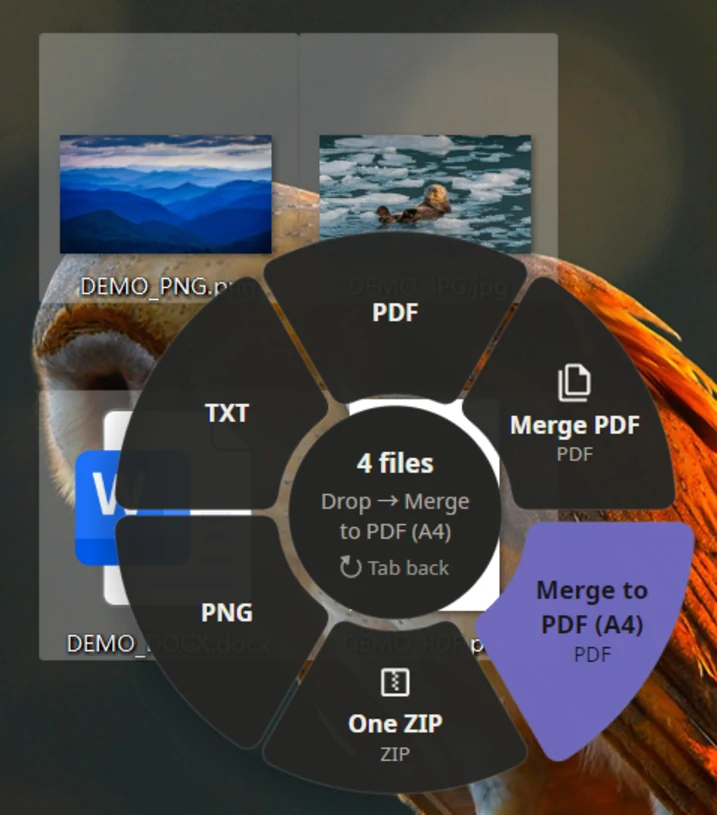
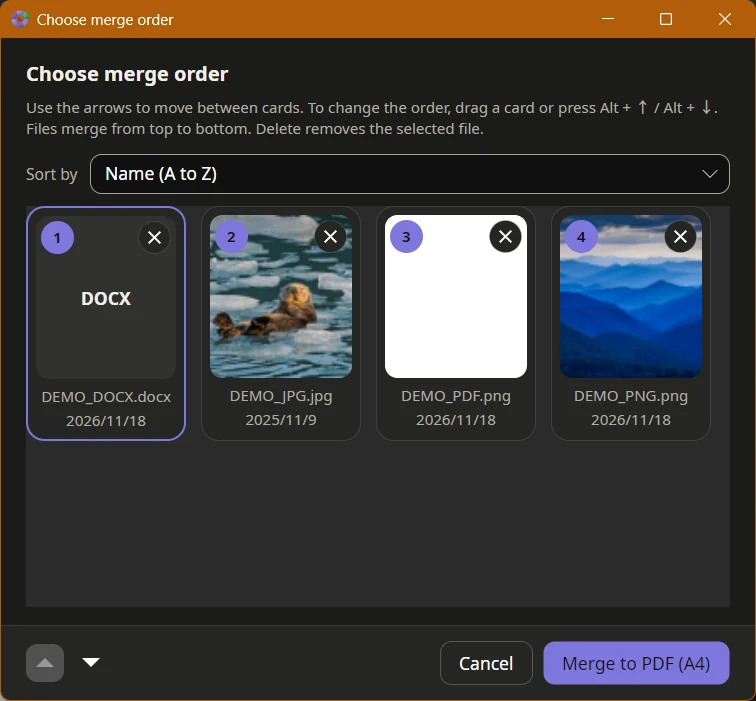
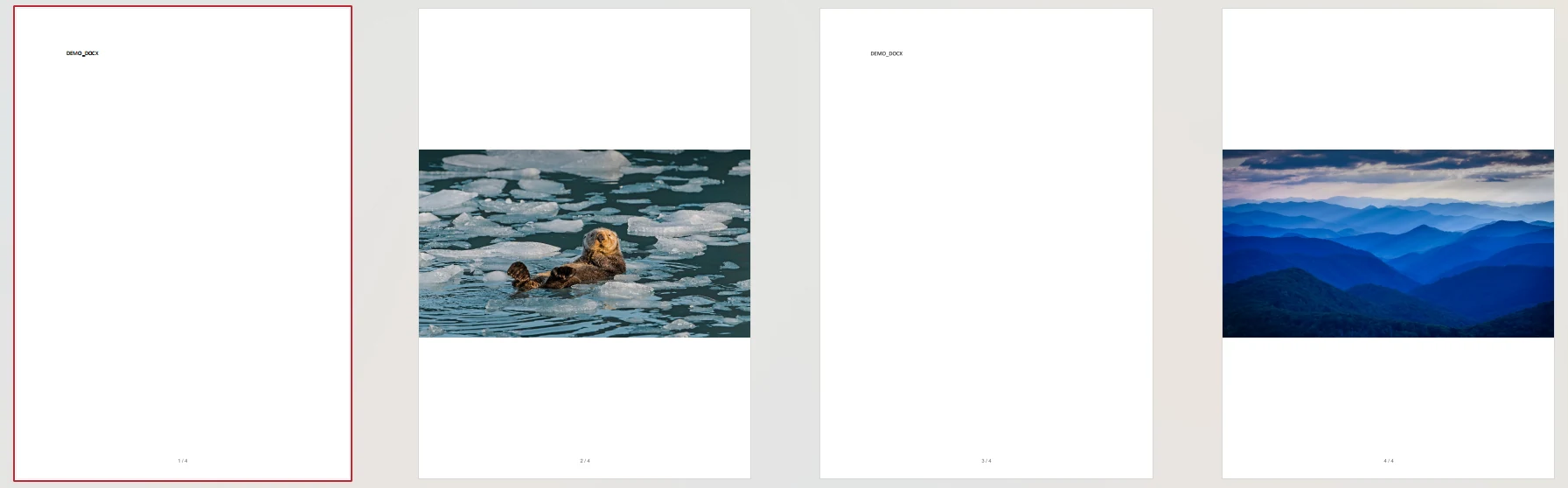
Supports converting multi‑format files to PDF and merging them. Files are sorted by filename initially and can be reordered manually. Pages are numbered at the bottom, scaled to fit A4, with orientation auto‑adjusted from the first page. The merged PDF saves to the source folder as {name}_merged_{date} using the first file’s base name. No OCR for better conversion performance. Add manually via Settings → Donut toolbar; recommended for Mixed files, Images, PDF and Documents profiles.
輸出 PDF
用途
| 預設 | 類型 | 輸出 | 主要選項 |
|---|---|---|---|
| Merge to PDF (A4) | 轉換 | 合併為一個 PDF · 加上頁碼 |
下載 Filee
大多數格式安裝後即可轉換。
影片、音訊和少見格式所需的引擎,可在需要時於應用程式內加入。
需要 filee 指令嗎?下載套件後執行 install.sh。

或使用 WinGet
macOS 為預覽版。Linux 需要 Ubuntu 22.04 或更新版本;拖曳手勢需要 X11(在 KDE Plasma 的 Wayland 下為實驗性功能)。
需要 macOS 13 或更新版本。Filee 尚未通過公證:開啟磁碟映像並將 Filee 拖到「應用程式」。如果 macOS 阻止首次啟動,請在「系統設定」>「隱私權與安全性」中選擇「仍要打開」。
Filee 免費,並將一直免費。 贊助開發