



















Instagram 4:5 white frame
0 likes1 download0 comments
Install it
- Open Filee and go to Presets.
- Click Preset gallery and find “Instagram 4:5 white frame”.
- Click Install. The presets are added next to your own and never replace them.
Or download the file, then open General in Filee's settings and click Import…
SHA-256 4c722fc600c6e4af557440aeb91dd953061548689e026b8360e7d26a952fb33c
Needs Filee 2.5.0 or later.
About this preset
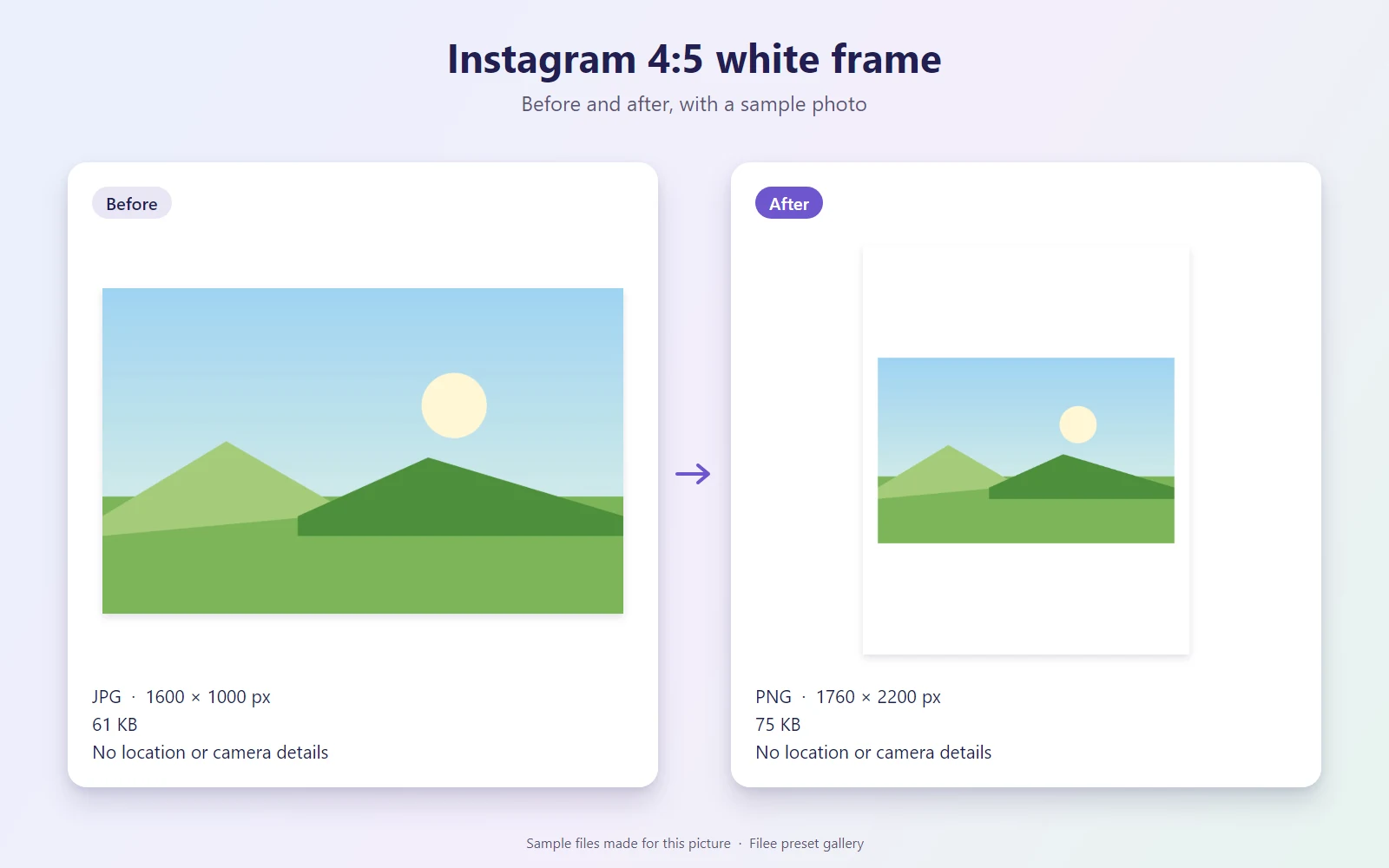
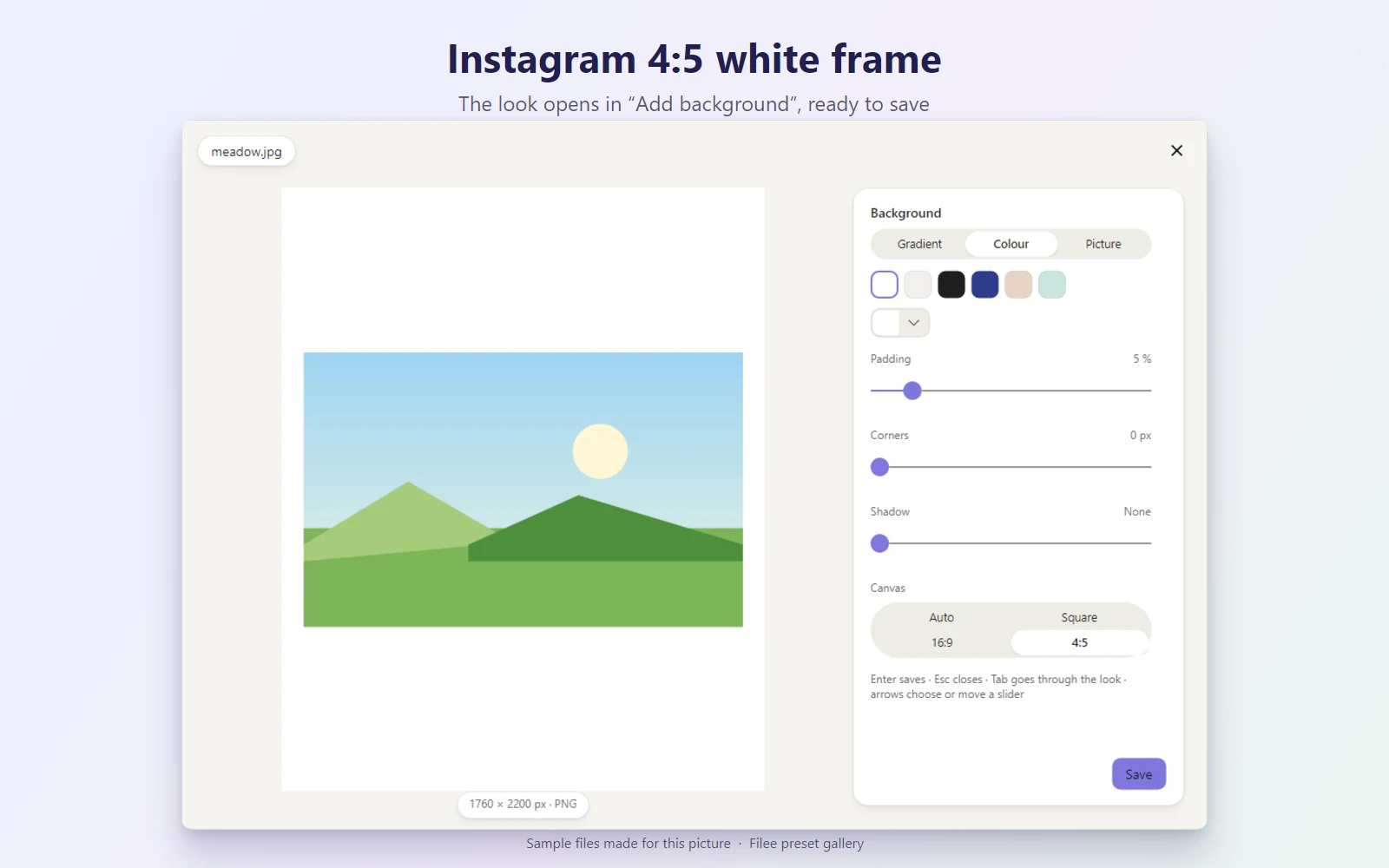
Puts a photo on a white 4:5 portrait canvas, the tallest shape an Instagram feed post shows, so landscape and square photos fit without being cropped. Opens the Add background window with this look ready: check the preview, change the colour or the padding if you like, and save. Writes a PNG next to the original. After installing, add it to your images donut on the Donut toolbar page.
What it does
| Preset | Kind | Makes | Main options |
|---|---|---|---|
| Instagram 4:5 frame | Tool window | – | Opens its own window |
KnifeLemon shared this preset and its pictures under CC0 1.0: anyone may use, change and share them, without conditions. About CC0
Something wrong with this preset? Tell us in its comments, or ask for its removal.
Download Filee
Most formats convert right after installing.
Engines for video, audio and rare formats are added in the app when you need them.

Or with WinGet winget install KnifeLemon.Filee
macOS is a preview. Linux needs Ubuntu 22.04 or later; drag gestures need X11 (experimental on KDE Plasma with Wayland).
Filee is free and stays free. Sponsor its development