





















Merge into one A4 PDF for printing
0 likes1 download0 comments
Install it
- Open Filee and go to Presets.
- Click Preset gallery and find “Merge into one A4 PDF for printing”.
- Click Install. The presets are added next to your own and never replace them.
Or download the file, then open General in Filee's settings and click Import…
SHA-256 8d0c656bace5b64810523c55209e5d9e8057553567469a0151a61984e3080068
Needs Filee 2.5.0 or later.
About this preset
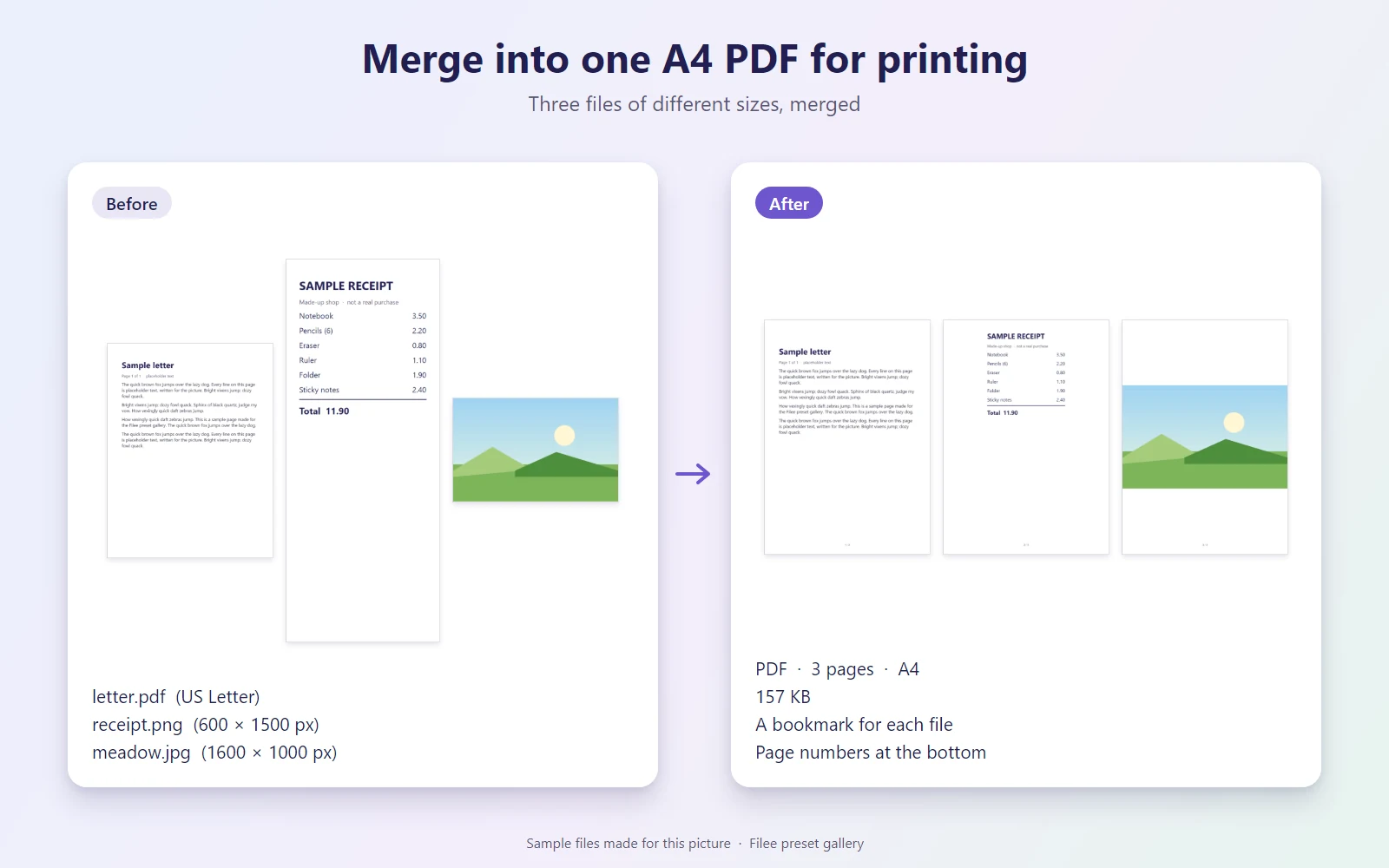
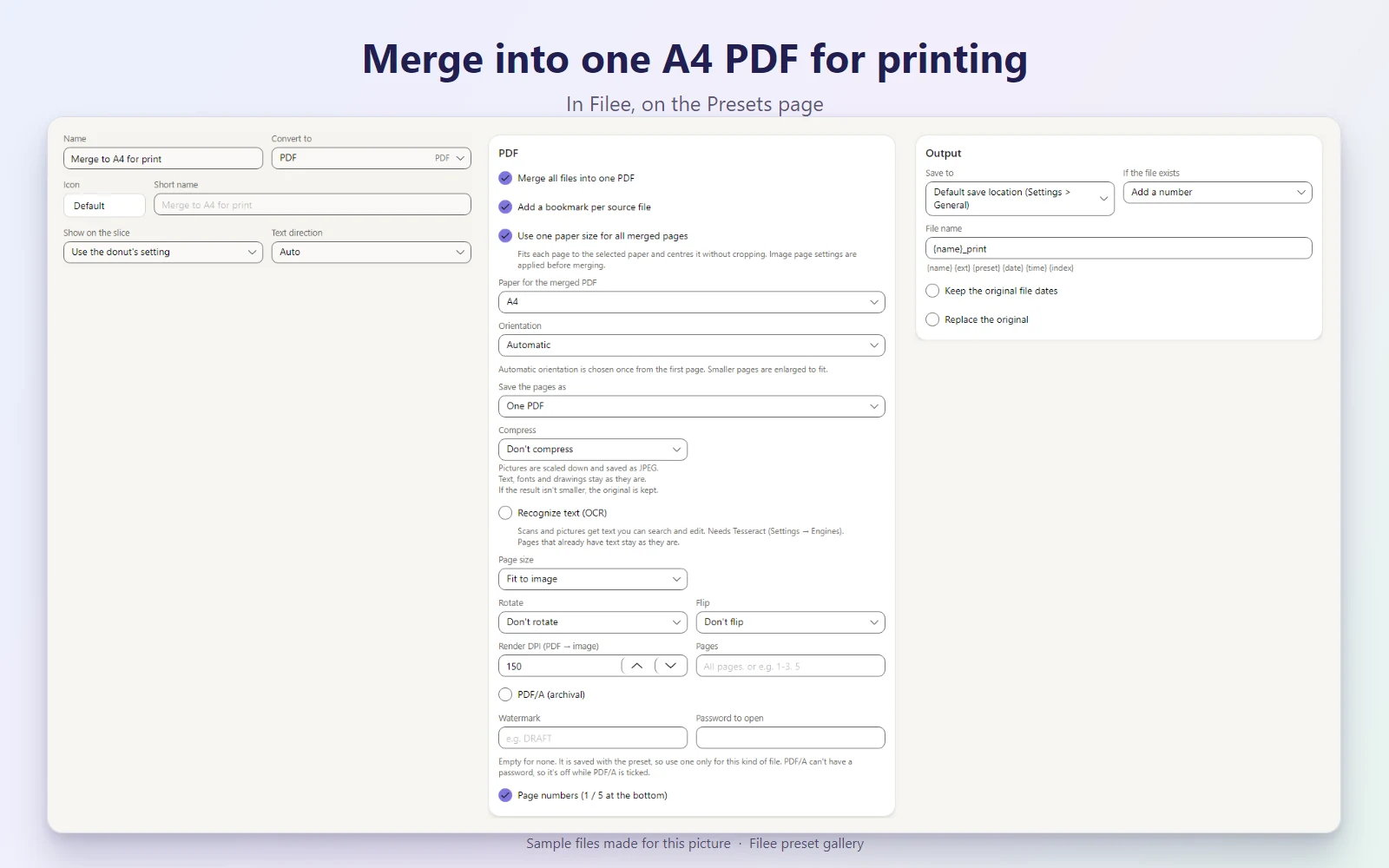
Drop PDFs, pictures and documents together and get one PDF where every page is A4, in the order you dropped them, with a bookmark for each file and page numbers at the bottom. Pages of other sizes (Letter, A5, phone screenshots, receipts) are fitted onto A4, so the whole file prints in one go. Saved as name_print.pdf after the first file. Office documents need LibreOffice (Engines page).
Makes PDF
What it does
| Preset | Kind | Makes | Main options |
|---|---|---|---|
| Merge to A4 for print | Conversion | Merges into one PDF · Adds page numbers |
KnifeLemon shared this preset and its pictures under CC0 1.0: anyone may use, change and share them, without conditions. About CC0
Something wrong with this preset? Tell us in its comments, or ask for its removal.
Download Filee
Most formats convert right after installing.
Engines for video, audio and rare formats are added in the app when you need them.

Or with WinGet winget install KnifeLemon.Filee
macOS is a preview. Linux needs Ubuntu 22.04 or later; drag gestures need X11 (experimental on KDE Plasma with Wayland).
Filee is free and stays free. Sponsor its development