


















Small GIF for chat
0 likes1 download0 comments
Install it
- Open Filee and go to Presets.
- Click Preset gallery and find “Small GIF for chat”.
- Click Install. The presets are added next to your own and never replace them.
Or download the file, then open General in Filee's settings and click Import…
SHA-256 6f09561e21614d89c93bebc65086fd7e4f30b8cf71846da79bfc8de5af07292d
Needs Filee 2.5.0 or later.
About this preset
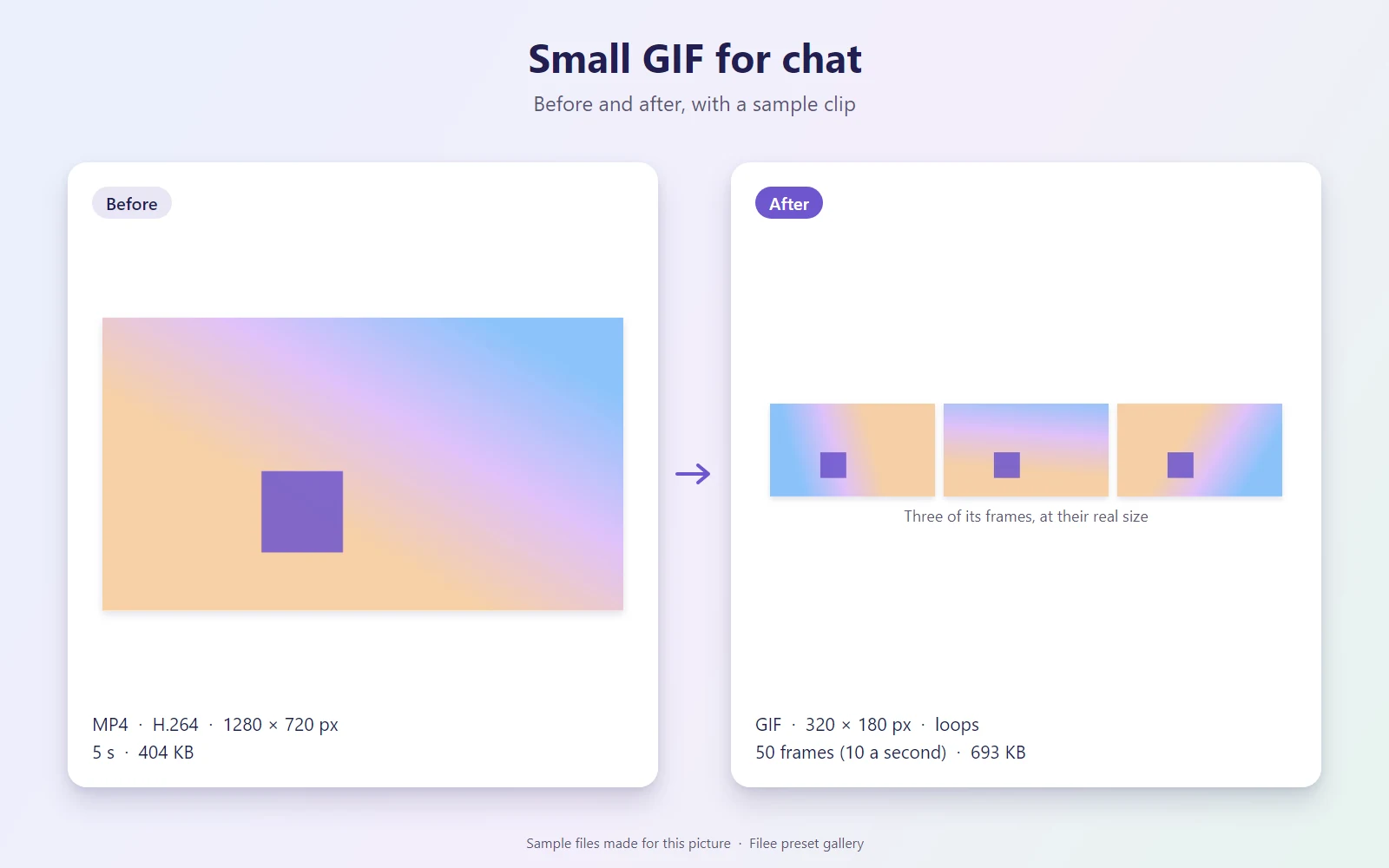
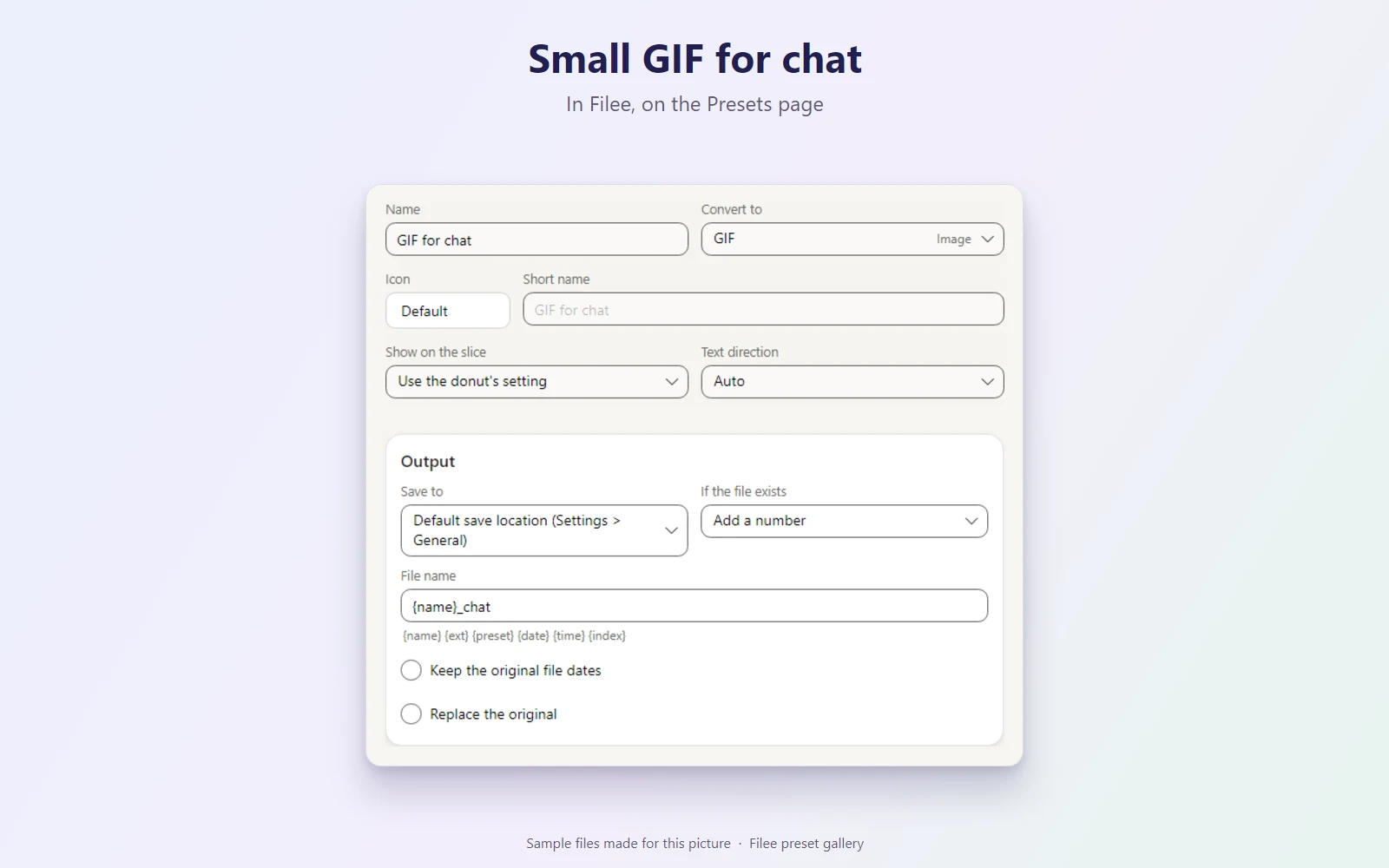
Turns a short video clip into a small looping GIF for chats and comments: at most 320 px wide (360 px tall), 10 frames a second and 128 colours, so a few seconds stay well under a few megabytes. Works best on clips of under ten seconds; cut longer videos first with Cut a clip. Saved as name_chat.gif. Needs FFmpeg.
Makes GIF
What it does
| Preset | Kind | Makes | Main options |
|---|---|---|---|
| GIF for chat | Conversion | GIF | Default options |
KnifeLemon shared this preset and its pictures under CC0 1.0: anyone may use, change and share them, without conditions. About CC0
Something wrong with this preset? Tell us in its comments, or ask for its removal.
Download Filee
Most formats convert right after installing.
Engines for video, audio and rare formats are added in the app when you need them.

Or with WinGet winget install KnifeLemon.Filee
macOS is a preview. Linux needs Ubuntu 22.04 or later; drag gestures need X11 (experimental on KDE Plasma with Wayland).
Filee is free and stays free. Sponsor its development