



















Preset gallery
Ready-made presets and donut toolbars shared by other Filee users. See what each one does before you install it, and share your own.
10 presets
-
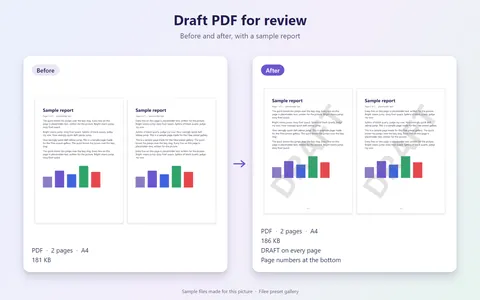 Draft PDF for review
by KnifeLemon
0 likes3 downloads
-
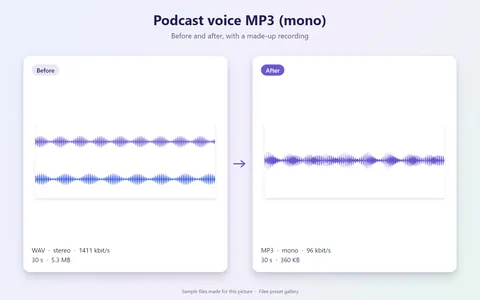 Podcast voice MP3 (mono)
by KnifeLemon
0 likes2 downloads
-
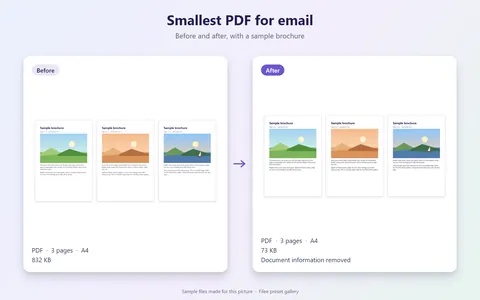 Smallest PDF for email
by KnifeLemon
0 likes2 downloads
-
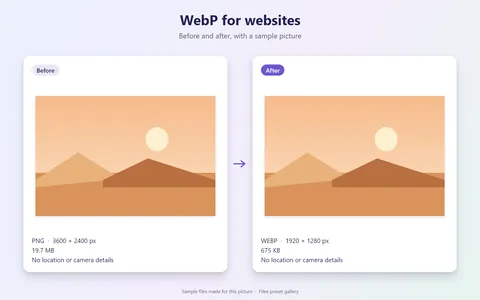 WebP for websites
by KnifeLemon
0 likes2 downloads
-
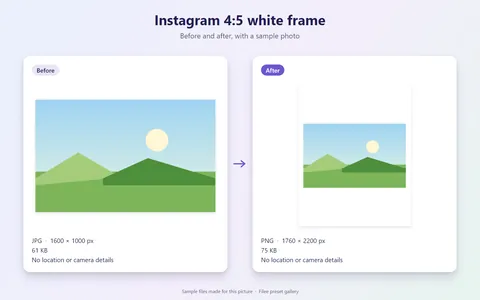 Instagram 4:5 white frame
by KnifeLemon
0 likes1 download
-
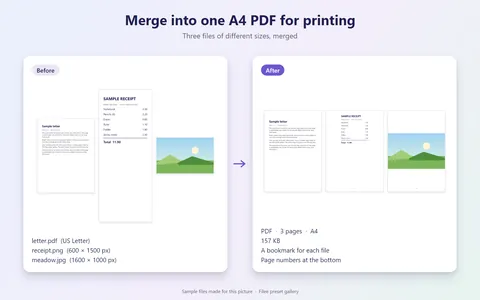 Merge into one A4 PDF for printing
by KnifeLemon
0 likes1 download
-
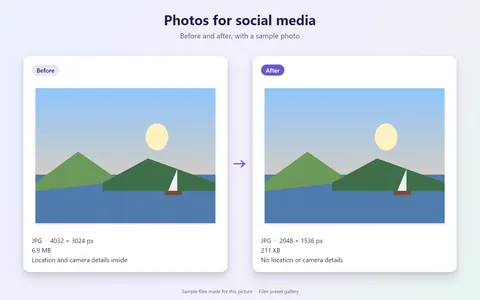 Photos for social media
by KnifeLemon
0 likes1 download
-
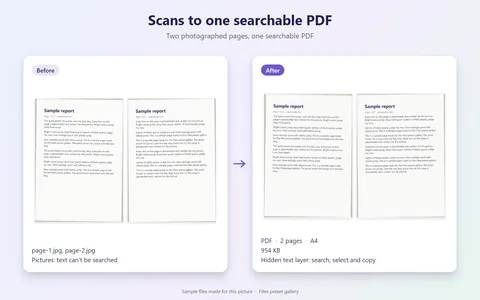 Scans to one searchable PDF
by KnifeLemon
0 likes1 download
-
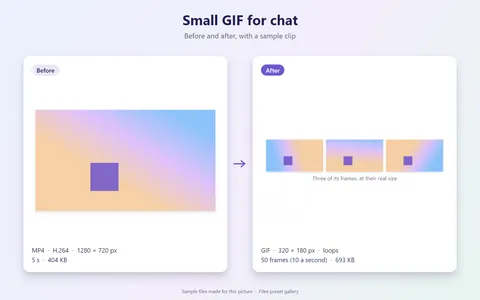 Small GIF for chat
by KnifeLemon
0 likes1 download
-
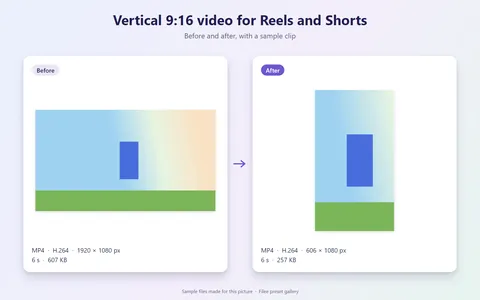 Vertical 9:16 video for Reels and Shorts
by KnifeLemon
0 likes1 download
No preset matches these filters.
Likes are 👍 reactions on each preset's discussion on GitHub. Likes and downloads are counted again every hour.
Share your own preset
Presets are settings, not programs, so sharing one is safe and takes a few minutes.
- 1
Export it from Filee
In Filee's settings, open General and click Export… under Presets and toolbars. Filee saves your presets and toolbars to a file.
- 2
Make 1 to 4 pictures
Show what the preset does: its donut slice, its settings, or a sample file before and after. PNG, JPEG or WebP, 640 to 2,560 px on the long edge, up to 2 MB each. The first one is the cover.
- 3
Fill in the form
Click Upload a preset, sign in to GitHub, and add the file, the pictures, a title and a short description. Automatic checks tell you if something needs fixing, then a maintainer publishes it.
What may be shared
- Conversion and tool presets, and donut toolbars made of them.
- Up to 20 presets and one toolbar per upload, in a file of at most 256 KB.
- Pictures you made yourself, of sample files made for the picture.
Never shared
- Presets that run a program or a command.
- Network and proxy settings, custom translation servers and API keys.
- Output folders other than next to the source file, and personal paths or names anywhere.
- Pictures of real documents, names, faces or file paths.
Shared under CC0
Shared presets and their pictures are dedicated to the public domain under CC0 1.0: anyone may use, change and share them without conditions. The gallery still shows who shared each one.
Removal requests
To take down a preset you shared, or to report one that breaks these rules or shows personal information, open an issue in the Filee-Presets repository. Once it is removed there, it leaves this site and the app within the hour.
Download Filee
Most formats convert right after installing.
Engines for video, audio and rare formats are added in the app when you need them.

Or with WinGet winget install KnifeLemon.Filee
macOS is a preview. Linux needs Ubuntu 22.04 or later; drag gestures need X11 (experimental on KDE Plasma with Wayland).
Filee is free and stays free. Sponsor its development